Install
From installing on your PC and iPhone to your first note.
PC (Windows and Mac)
Visit tyranote.com on your PC and download the app.
- 1. Download — get the macOS or Windows version at tyranote.com.
- 2. Requirements — macOS 11 or later, Windows 10/11 (64-bit).
- 3. Run it — if you see 'Windows protected your PC', click More info → Run anyway.
iPhone
Search for 'Tyranote' on the App Store and install it.
Your first note
No sign-in needed. Start writing right away.
- New note on PC — from any app, press ⌘/Ctrl + Enter. A blank sticky note pops up.
- All notes on PC — open the Planner with ⌘/Ctrl + `.
- New note on iPhone — tap + at the bottom of the first screen.
What you'll see
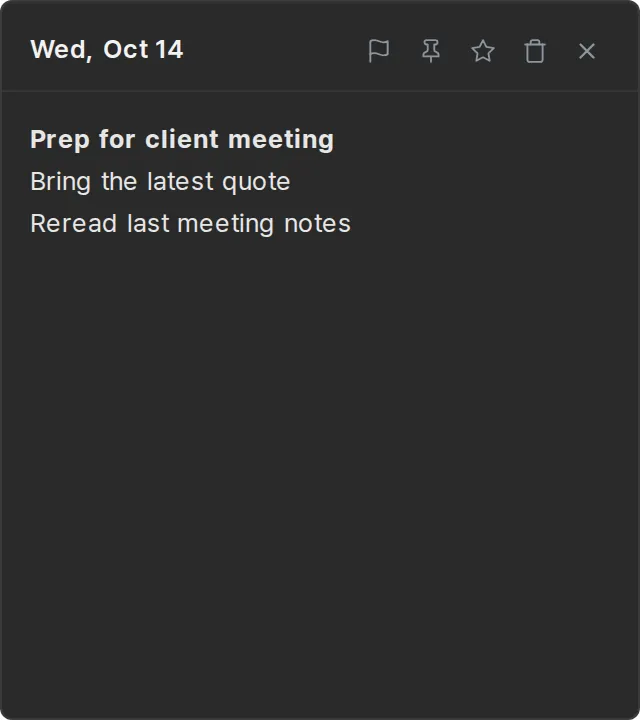
PC sticky note · ⌘/Ctrl + Enter
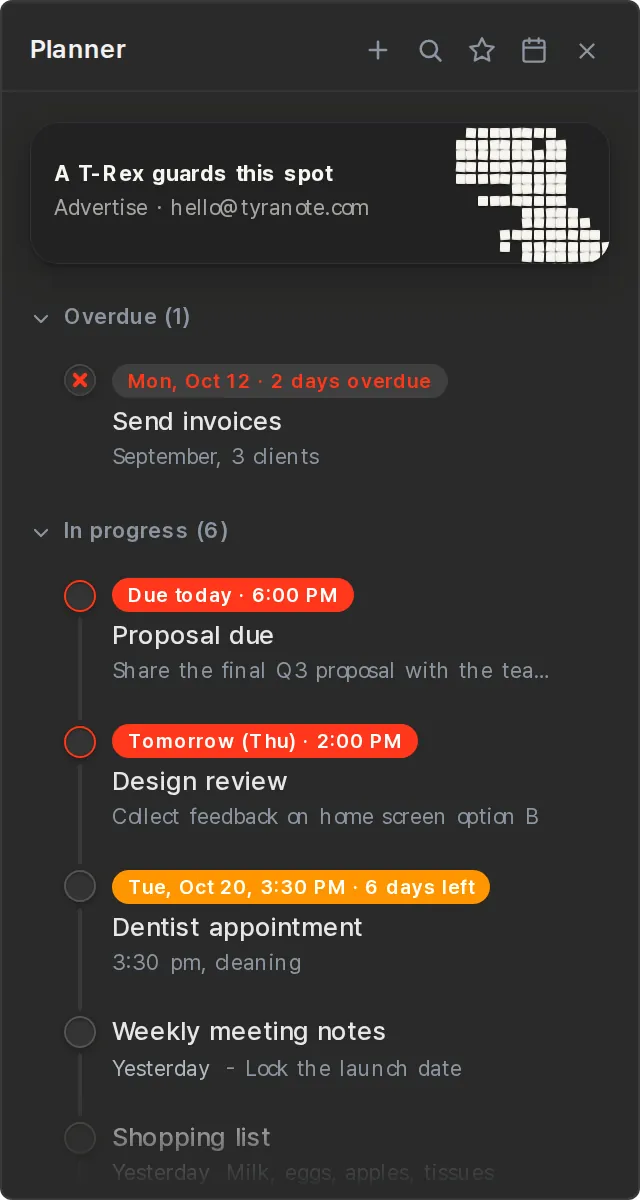
PC Planner · ⌘/Ctrl + `
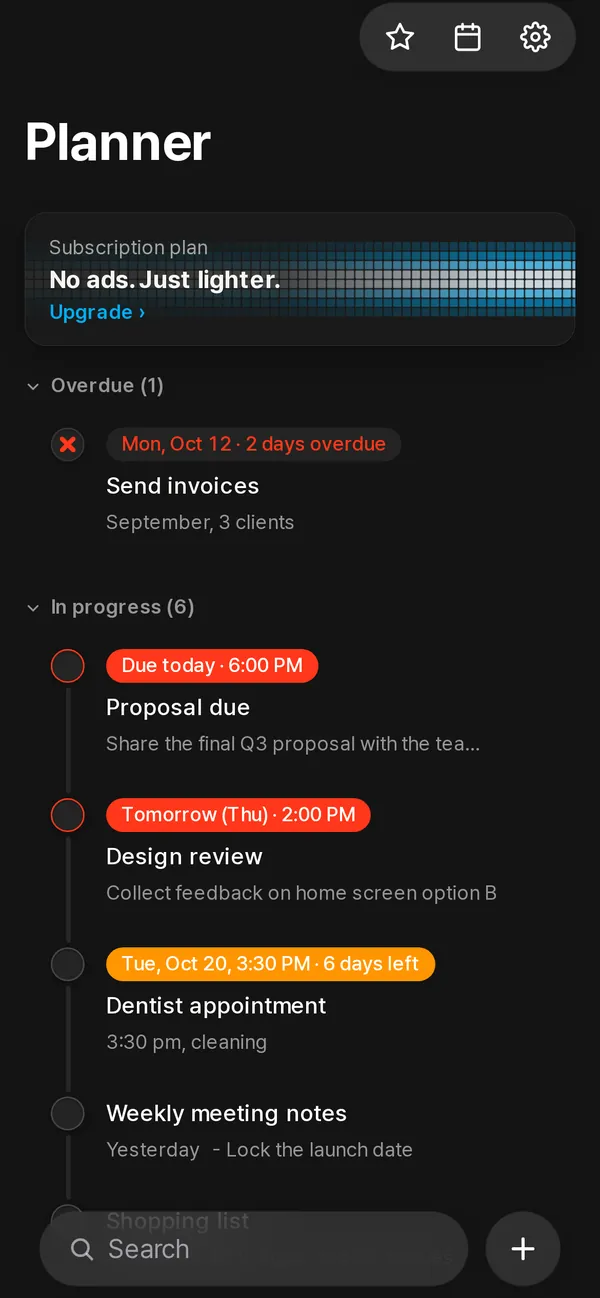
iPhone first screen