Shortcuts (PC)
For PC (Windows and Mac) only. Shown as Ctrl on Windows and ⌘ on Mac.
From anywhere
They work whatever app you're in.
| Action | Shortcut |
|---|---|
| New note | ⌘/Ctrl + Enter |
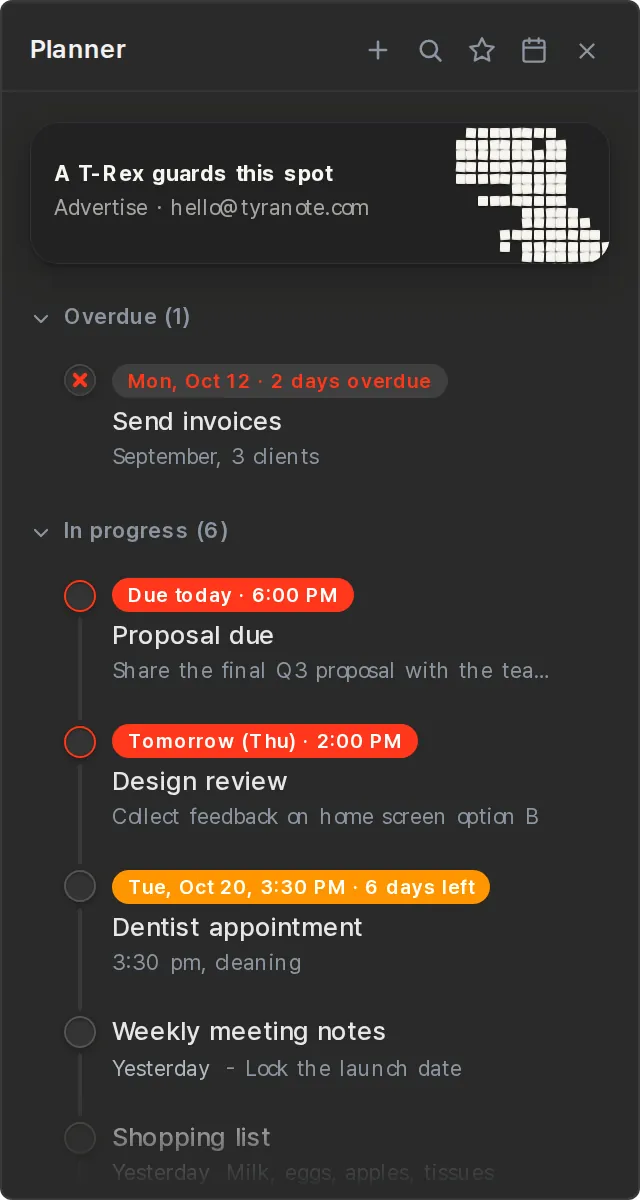
| Open/close the Planner | ⌘/Ctrl + ` |
| Open/close a pinned note | ⌃/Ctrl + Q·W·E |
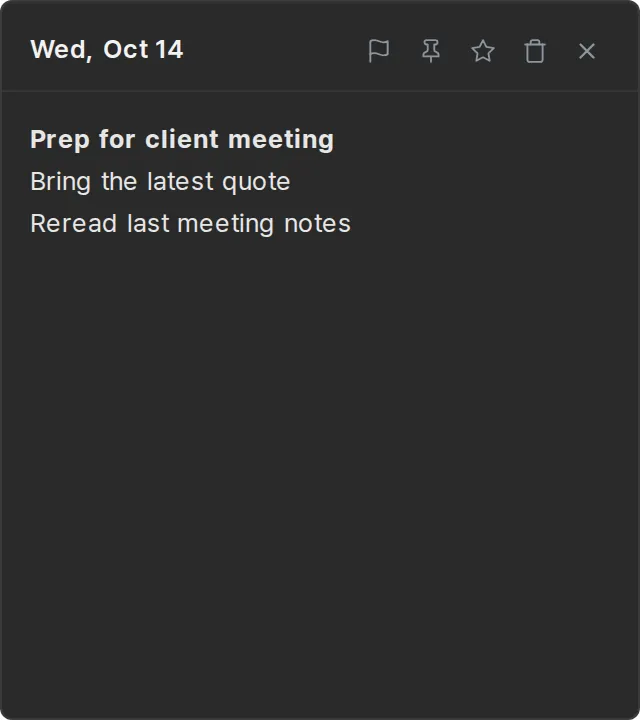
One shortcut, a new sticky note
Whatever you're doing, a blank note pops up right away.
⌘/Ctrl + Enter
Pinning notes (slots)
Pin the notes you use most to Q, W and E and open them from anywhere.
- Pin or unpin — in the note window, press ⌃/Ctrl + ⌥/Alt + Q·W·E.
- Pin icon — the icon in the note header does the same.
- One note per slot — a slot used by another note can't be picked.
Closing a window
ESC closes the window you're looking at.
- If a date picker or search is open, that closes first.